Set Up Card Controls

×
1
- Log in to cuAnywhere® Online Banking
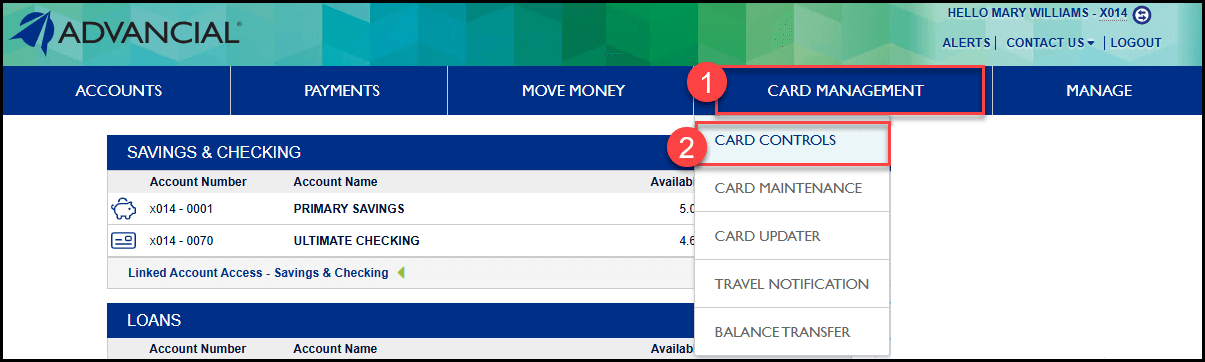
- Navigate to Card Controls:
- Card Management > Card Controls
2
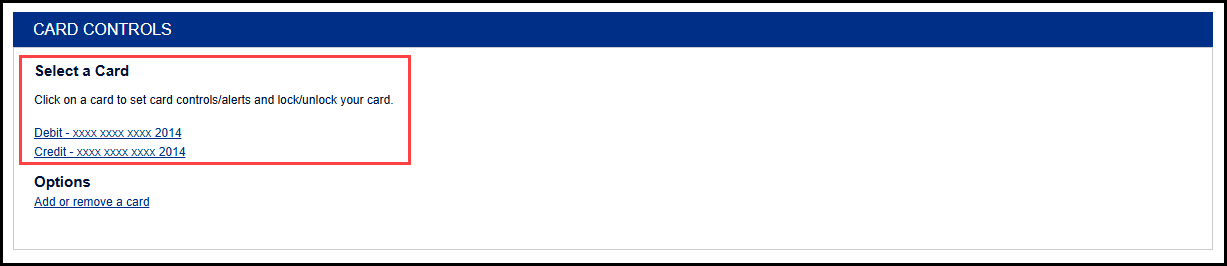
- Select a card
3
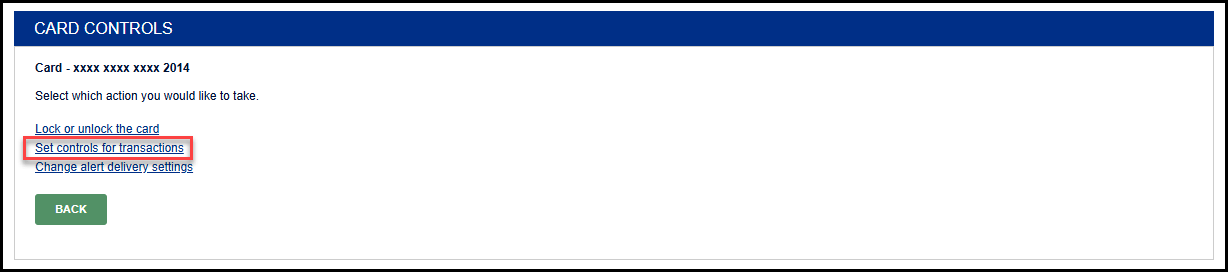
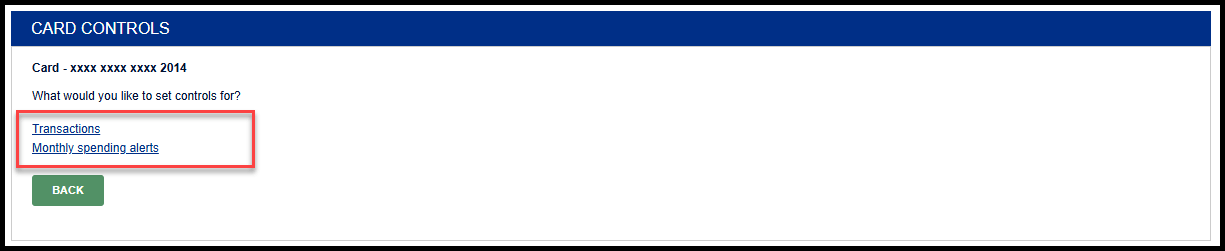
- Select Set controls for transactions
4
- Select a category
1
- Log in to the Advancial Mobile App
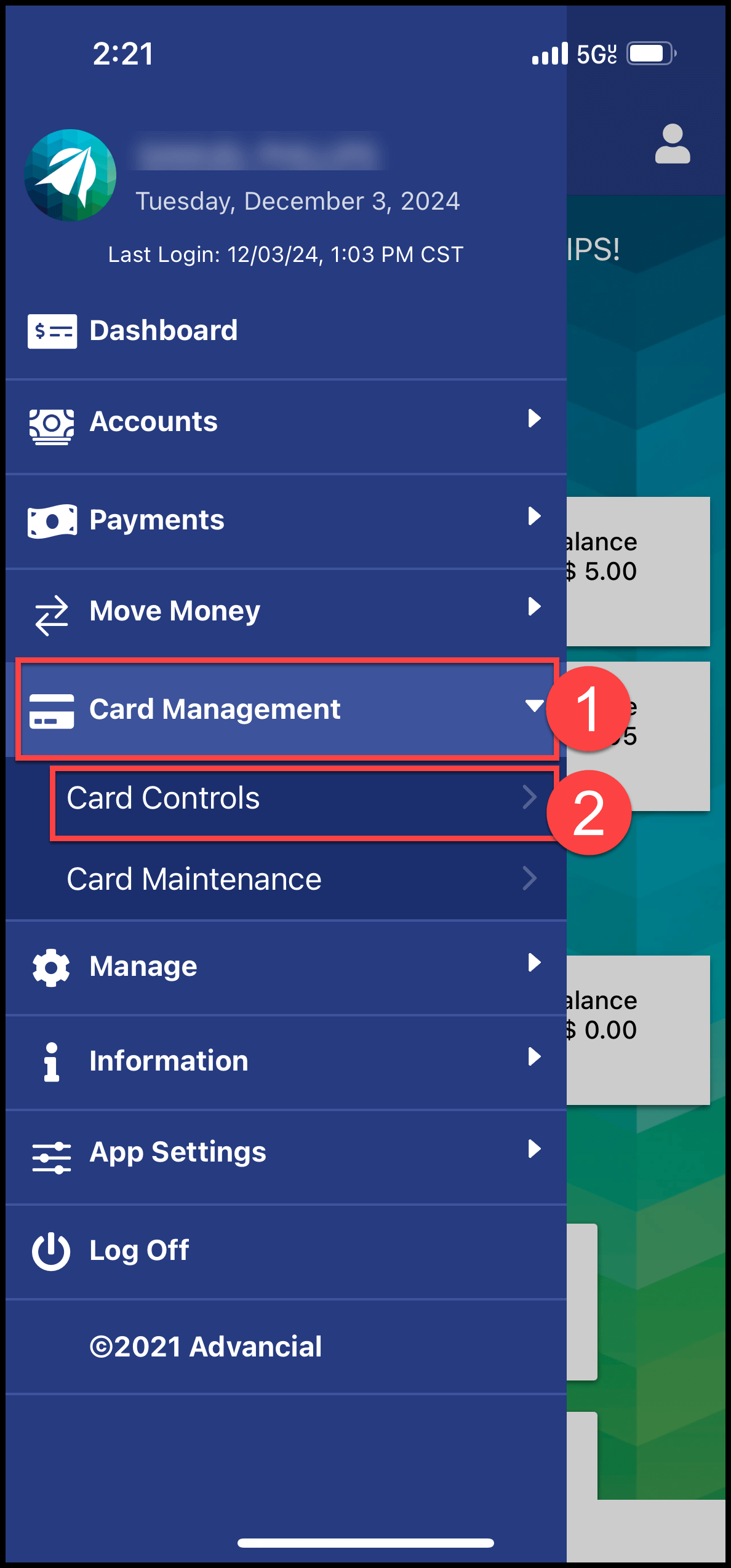
- Navigate to Card Controls:
- Card Management > Card Controls
2
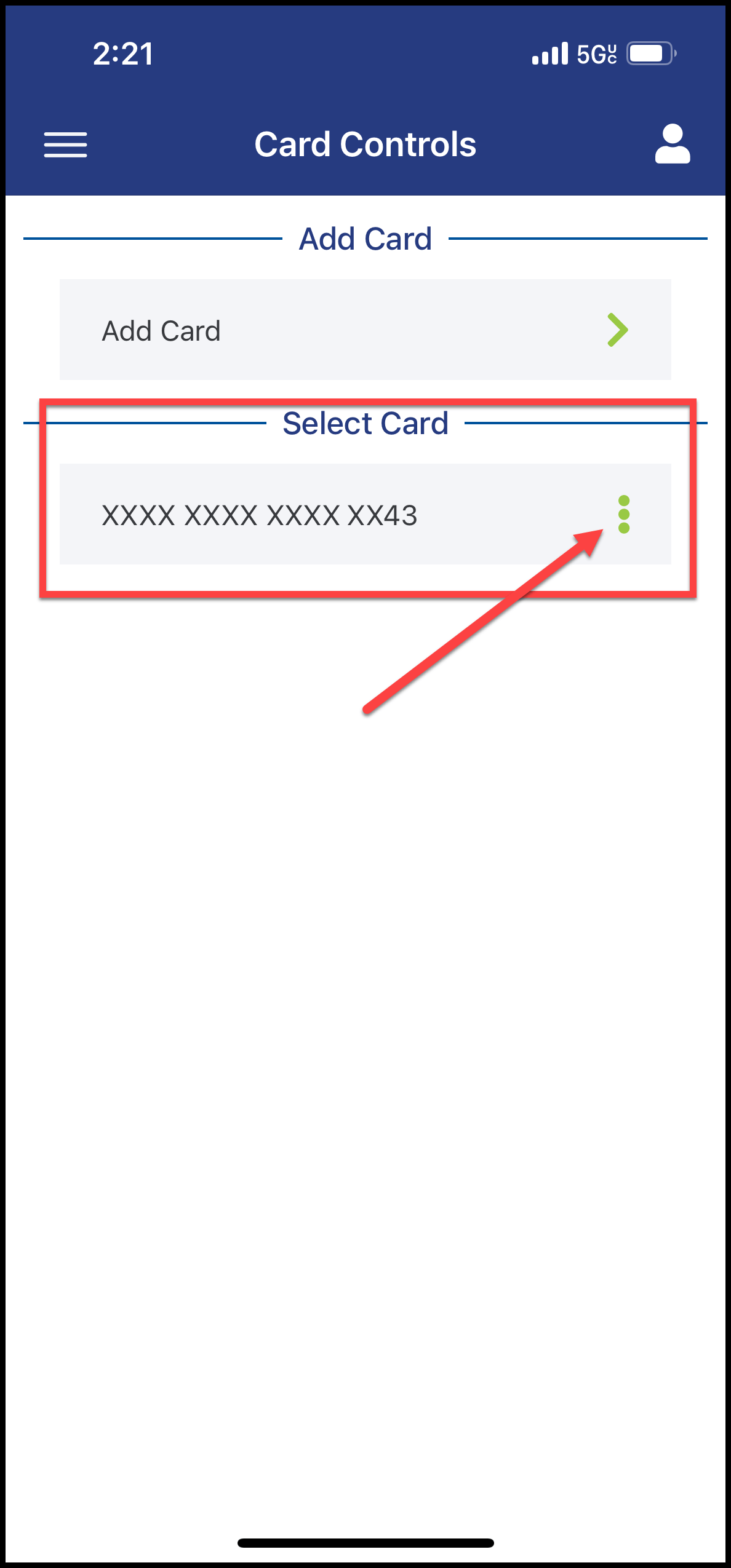
- Select a card
3
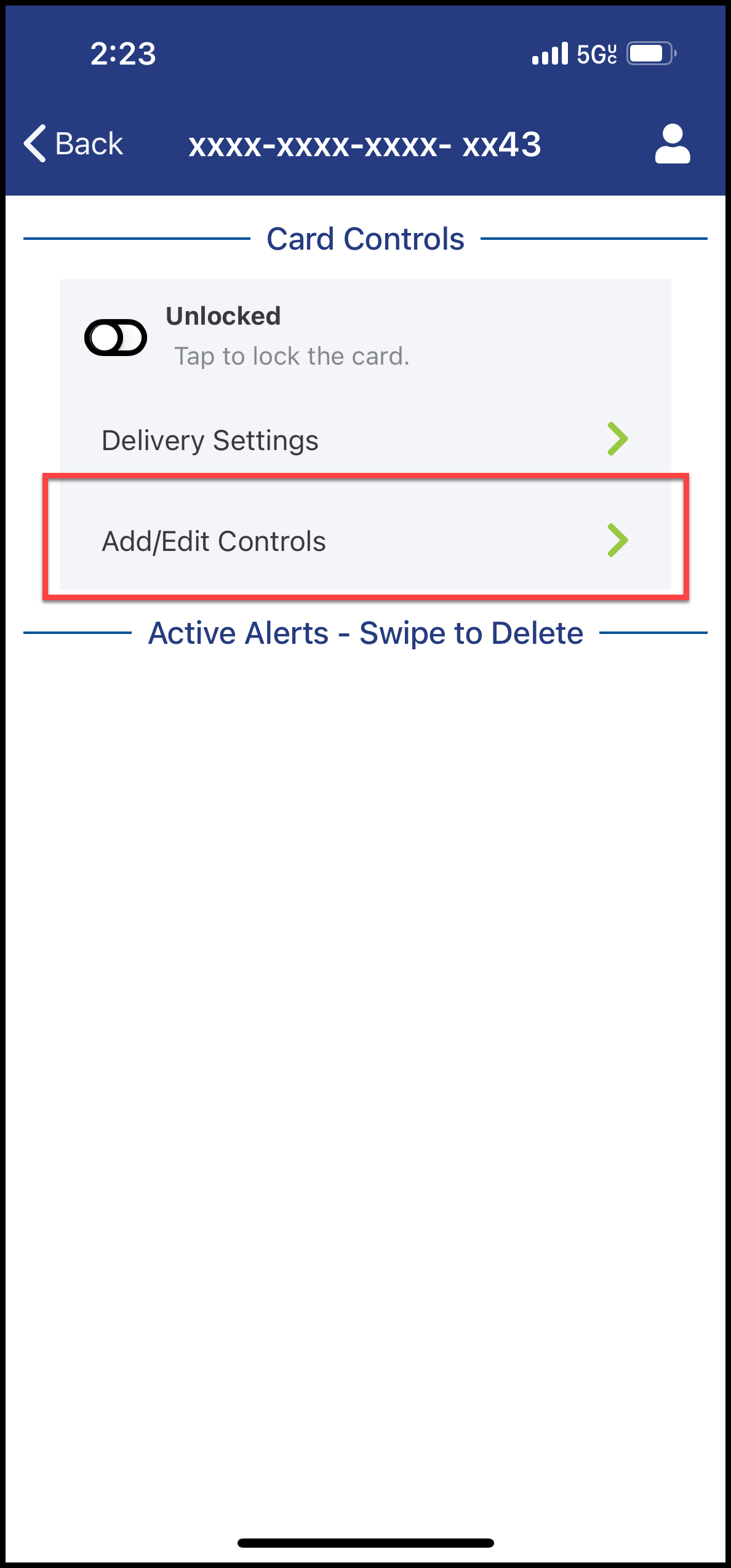
- Select Add/Edit Controls
4
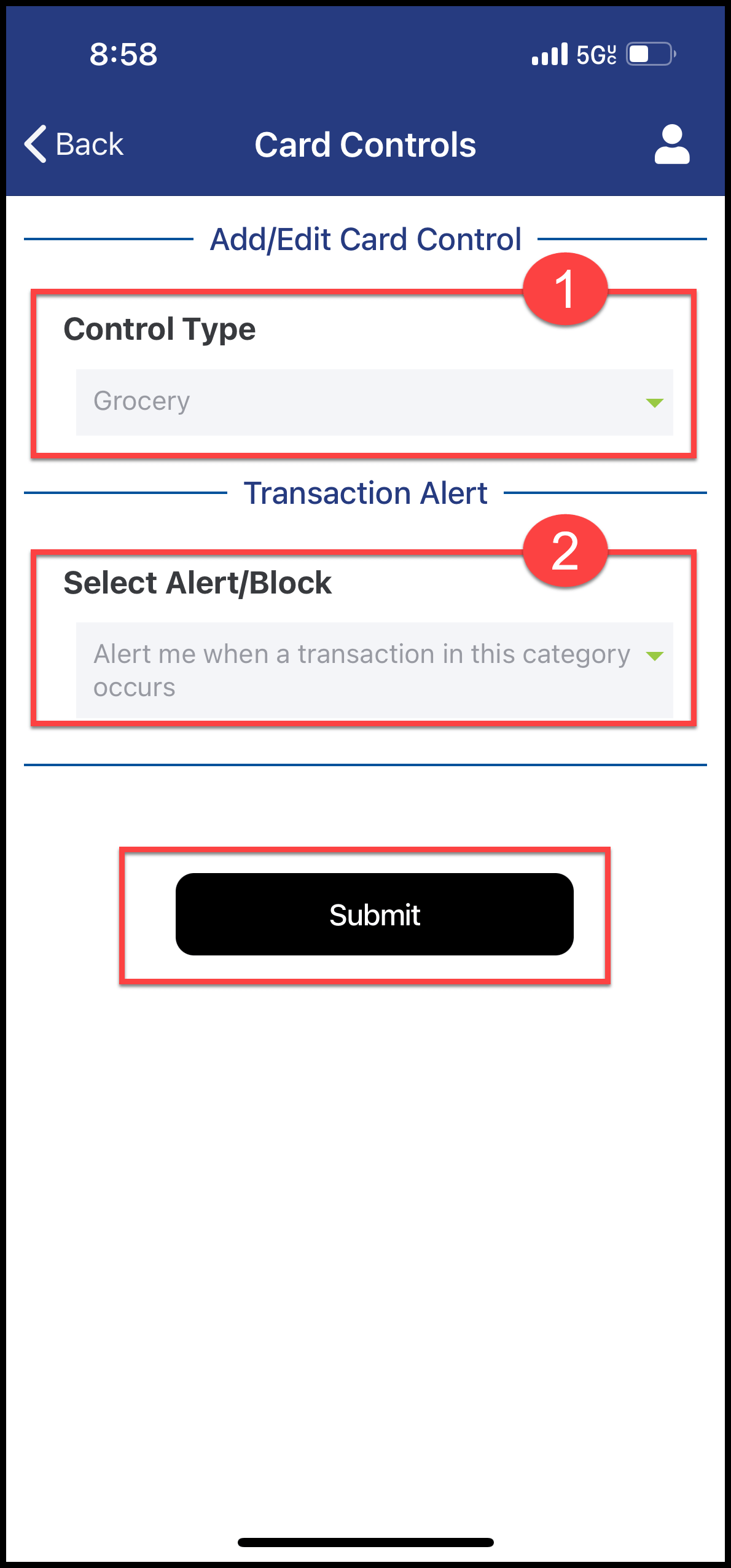
- Select the Control Type (1)
- Select the Alert/Block (2)
- Select Submit