

×
1
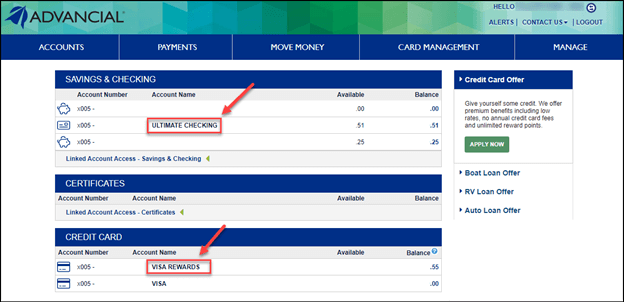
- Log in to cuAnywhere® Online Banking
- Select the Checking or Credit Card you are trying to view reward points
2
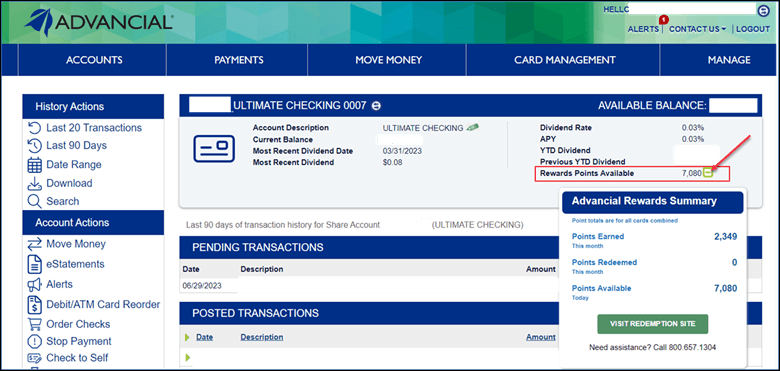
- Locate "Reward Points Available" on the right side of the screen
- Select the ellipsis icon next to the number of points you have earned
- A pop-up will appear displaying your Advancial Rewards Summary
- Select "Visit Redemption Site"
3
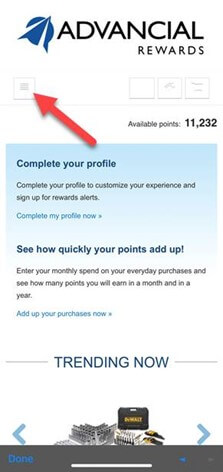
- On the Advancial Rewards website, select the menu button in the top left corner
4
- Select "Browse rewards"
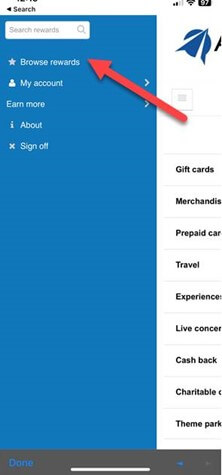
5
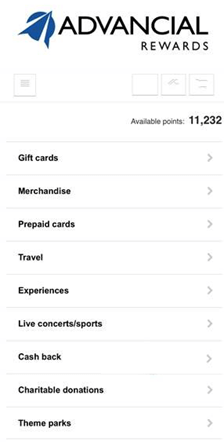
- Select your rewards option from the list